

The official Verizon Fios tech support phone number is 1-800-837-4966, also written as 1-800-VERIZON. Verizon lists technical support as available 24 hours a day, seven days a week. Customers can use this number for assistance with Fios internet, routers, Wi-Fi connections, television service, and home phone problems.
Before calling, keep your account details and a description of the problem ready. This can help the support representative identify your service and begin troubleshooting more efficiently.
Verizon Fios Support Contact Details
| Support category | Contact information | Availability |
|---|---|---|
| Fios technical support | 1-800-837-4966 | 24/7 |
| Fios account and billing | 1-800-837-4966 | Monday to Friday, 8 AM–7 PM ET; Saturday, 8 AM–5 PM ET |
| Online troubleshooting | My Verizon website or app | Available anytime |
| Automated support assistant | Verizon digital support | Available anytime |
| In-person equipment help | Participating Verizon store | Store hours vary |
Support schedules can change during holidays or unusual service events. Confirm the current hours before calling about a non-technical matter.
Problems Verizon Fios Technical Support Can Handle
Fios technical support covers many issues involving residential internet, television, and digital home phone services. The team may test the connection remotely, guide you through troubleshooting, or determine whether a technician is needed.
Fios Internet Problems
Contact Verizon internet support if you are experiencing:
- No internet connection
- Frequent connection drops
- Slow download or upload speeds
- Websites that will not load
- High latency while gaming
- Buffering during video streaming
- A red or amber router light
- Problems after a power outage
- An activated plan that is not working
- An internet connection that works on one device but not another
A representative may check for a local outage, inspect the signal reaching your home, test the Optical Network Terminal, or restart network equipment remotely.
Wi-Fi and Router Issues
The support team can also assist when the internet service is active but the wireless network is unreliable. Common router and Wi-Fi concerns include:
- The Wi-Fi network does not appear
- The router repeatedly disconnects
- Devices cannot accept the Wi-Fi password
- Coverage is weak in certain rooms
- The router will not power on
- A new router needs activation
- Connected devices show “no internet”
- A Wi-Fi extender is not connecting
- Router settings need to be restored
Support can help determine whether the problem comes from the router, the connected device, the location of the equipment, or the Fios connection itself.
Fios TV Support
Customers can call for assistance with problems such as:
- Missing television channels
- Frozen or pixelated pictures
- Set-top box errors
- Remote control pairing
- On-screen guide problems
- DVR recording failures
- Fios TV app access
- Channel authorization messages
- A set-top box that will not start
Restarting the set-top box may solve a temporary issue. Persistent problems may require remote diagnostics, equipment replacement, or a service appointment.
Fios Digital Voice Problems
The same support channel may help with residential Fios Digital Voice issues, including:
- No dial tone
- Calls dropping unexpectedly
- Poor call quality
- Voicemail access problems
- Caller ID not displaying
- Inability to make or receive calls
If phone service is unavailable during an emergency, use a working mobile phone or another available connection to contact emergency services.
What to Do Before Calling Verizon Fios Support
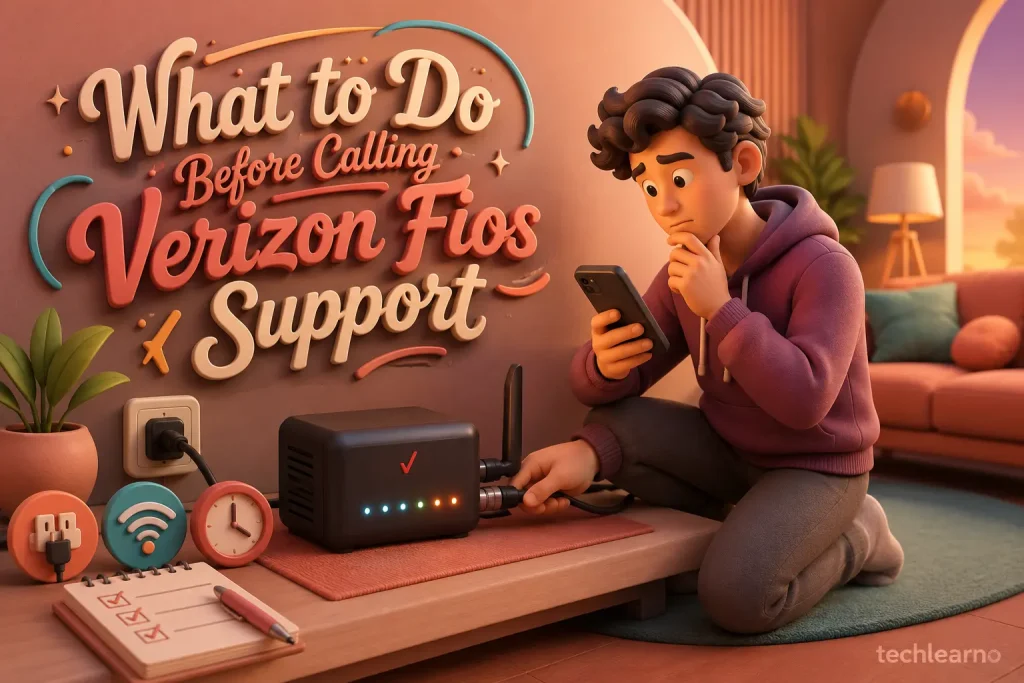
A few basic checks may resolve the problem or make the support call faster.
Check for a Service Outage
An area-wide outage can affect internet, television, and phone services simultaneously. Check your service status through your Verizon account before changing router settings or disconnecting cables.
If an outage is already reported, restarting the equipment repeatedly is unlikely to restore service. Wait for Verizon’s estimated restoration time and monitor the account for updates.
Restart the Equipment
A normal restart can clear temporary connection errors:
- Turn off the router.
- Disconnect its power cable.
- Wait approximately one minute.
- Reconnect the cable.
- Allow the router several minutes to restart fully.
- Test the connection on more than one device.
Avoid pressing the router’s factory-reset button unless support instructs you to do so. A factory reset can remove customized Wi-Fi names, passwords, and other settings.
Inspect the Cables and Power
Make sure power, Ethernet, and coaxial cables are firmly connected. Look for loose plugs, damaged cables, or equipment without indicator lights.
Do not open or attempt to repair the Optical Network Terminal. If the unit appears damaged or has no power, describe its lights and condition to the representative.
Test More Than One Device
Try connecting a second phone, laptop, tablet, or television. If only one device has a problem, the issue may be related to that device rather than the Fios service.
When possible, test a computer through both Wi-Fi and a wired Ethernet connection. This helps separate wireless coverage problems from general internet failures.
Run a Speed Test
If the concern is slow internet, perform a speed test near the router. For a more reliable result:
- Pause large downloads
- Disconnect unnecessary devices
- Close streaming applications
- Test through Ethernet when possible
- Run more than one test
- Record the download speed, upload speed, and latency
Wi-Fi results may be lower than wired speeds because distance, walls, interference, and device limitations affect wireless performance.
Information to Prepare Before Calling
Having the right details available can reduce delays. Prepare:
- The name listed on the account
- Fios account number, if available
- Service address
- Account security PIN or another verification method
- A callback phone number
- The equipment model
- Any error message or code
- The time the issue started
- Troubleshooting steps already attempted
- The names of affected services
- A pen or phone for recording the support ticket number
Never provide an account password, one-time verification code, bank PIN, or full payment card information to an unexpected caller. Initiate the call using contact details confirmed through Verizon’s official channels.
How a Fios Technical Support Call Usually Works
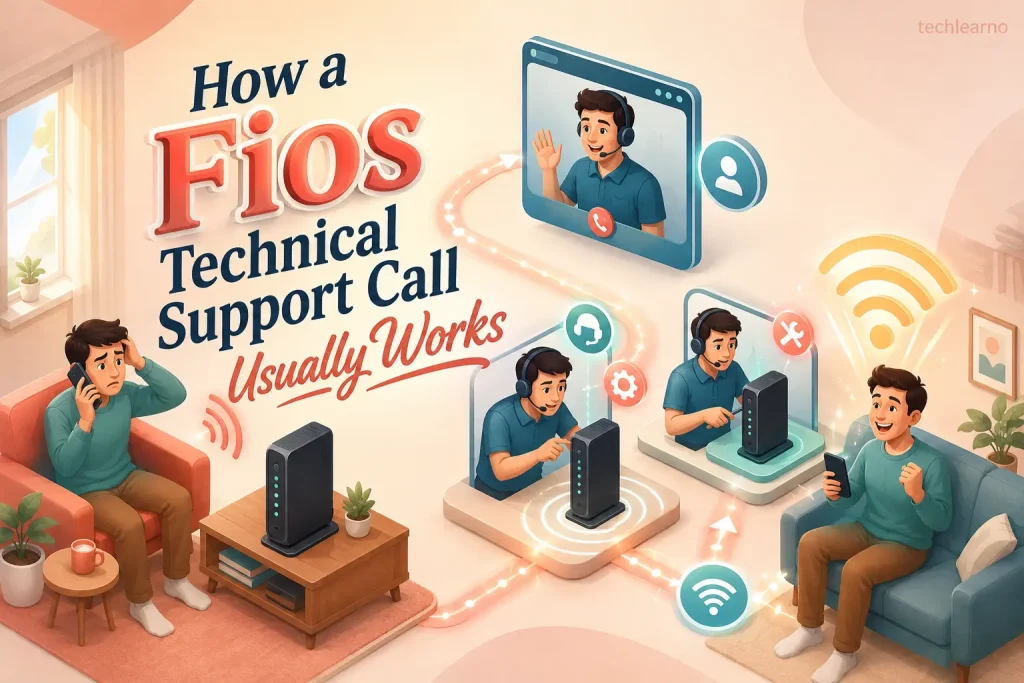
Account Verification
The representative will first confirm the account holder’s identity. This protects account information and prevents unauthorized service changes.
Problem Identification
Explain the issue clearly and mention:
- Which service is affected
- Whether the problem is constant or intermittent
- Which devices are affected
- What the equipment lights show
- Whether the issue began after an outage, installation, or equipment change
A specific description such as “Wi-Fi disconnects on every device every 20 minutes” is more useful than simply saying “the internet is not working.”
Remote Testing
The support agent may run remote diagnostics on the connection and equipment. You may be asked to restart the router, reconnect a cable, test another device, or check a particular indicator light.
Resolution or Escalation
If remote troubleshooting does not solve the issue, Verizon may:
- Escalate the case
- Arrange an equipment replacement
- Schedule a technician visit
- Provide an estimated outage restoration time
- Create a repair ticket for further investigation
Ask whether a technician visit or replacement could involve a fee before confirming it.
Technical Support vs. Customer Service
Although the same primary number may route Fios customers to different departments, technical support and customer service handle different needs.
| Technical support | Customer service |
|---|---|
| Internet connection failures | Billing questions |
| Router and Wi-Fi problems | Plan or package changes |
| Fios TV equipment errors | Payment concerns |
| Digital Voice faults | Service cancellation |
| Outage troubleshooting | Installation order status |
| Equipment diagnostics | Account information updates |
| Repair appointments | Promotions and pricing questions |
Choosing the correct reason for the call can help the automated system direct you to the appropriate department.
How to Reach a Verizon Fios Live Agent
Call 1-800-837-4966 and follow the current automated prompts for Fios residential service. Menu options may change, so listen carefully and select the category that most closely matches your problem.
To improve the experience:
- Call from a phone that will remain available during testing
- Stay near the router or affected equipment
- Keep your account information ready
- Note any case or ticket number
- Request clarification when a step is unclear
- Ask for escalation if repeated troubleshooting does not resolve the issue
Do not disconnect immediately after a temporary fix. Test the affected service while the representative is still available whenever possible.
Other Ways to Get Verizon Fios Help
Calling is useful for complex or urgent technical problems, but it is not the only support option.
My Verizon Account
The My Verizon website or app may allow customers to:
- Check service status
- View outage information
- Troubleshoot equipment
- Review bills
- Make payments
- Manage account settings
- Track orders
- Review scheduled appointments
Automated Troubleshooting
Digital troubleshooting tools are convenient for simple problems such as restarting equipment, checking outages, and identifying common connection errors.
Live Chat
Chat may be useful when customers cannot make a phone call or want written troubleshooting instructions. Availability can depend on the service category and time of day.
Community Support
Community discussions can offer general troubleshooting ideas from other customers. However, account-specific problems, billing disputes, equipment replacements, and service appointments should be handled through official support.
How to Avoid Fake Verizon Support Numbers

Scammers sometimes publish misleading numbers or pretend to represent an internet provider. Use caution whenever searching for customer service information.
Protect yourself by following these practices:
- Verify the number through Verizon’s official contact page or app
- Do not install remote-access software at an unknown caller’s request
- Never pay support through gift cards or cryptocurrency
- Do not share one-time security codes with unsolicited callers
- Avoid calling numbers shown in suspicious pop-ups
- Review the website address before entering account information
- End the call if the representative uses threats or demands immediate payment
The verified Verizon Fios tech support phone number for residential technical assistance is 1-800-837-4966.
Frequently Asked Questions
Can I call the same number for Fios internet and TV problems?
Yes. The Fios support line can route customers seeking help with residential internet, television, and home phone services.
Can Verizon restart my router remotely?
A support representative may be able to run diagnostics or send certain remote commands. The available actions depend on the equipment and type of connection problem.
Will Verizon charge for technical support?
Standard troubleshooting is generally part of customer support. However, equipment replacement, damage, premium support, or a technician visit may involve charges in some circumstances. Ask about potential fees before approving a service.
How can I check whether Verizon Fios is down?
Sign in to My Verizon and check the service status or outage information associated with your address. An outage may affect one neighborhood without appearing as a nationwide problem.
What should I do if only one device cannot connect?
Restart the affected device, forget and reconnect to the Wi-Fi network, confirm the password, and test another device. If other devices work normally, the issue is more likely connected to the individual device.
What if the first representative cannot resolve my problem?
Ask for a case number and request escalation or a technician appointment. Keep notes about completed troubleshooting so you do not have to repeat every step during a later call.
Conclusion
When Fios internet, TV, or home phone service stops working, calling the right support channel can save time and prevent confusion. The official Verizon Fios tech support phone number is 1-800-837-4966, and technical assistance is listed as available 24/7.
Check for an outage, restart the equipment safely, and gather your account and device details before calling. Most importantly, verify contact information through an official Verizon source and be cautious of unfamiliar numbers claiming to provide urgent technical support.
